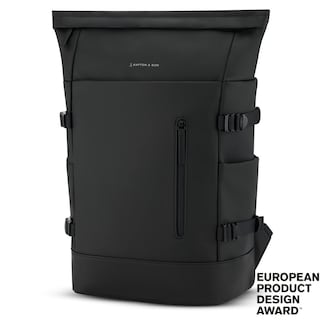
Helsinki Pro All Black
PRO
£149.90
Tutorial
:format(jpeg))
Would you like to buy a new backpack but aren’t sure whether your laptop will fit in the compartment? We’ll show you how to measure your laptop correctly and also share a way to do it without a tape measure.
Looking for more practical tips and inspiration? Add kapten-son.com as a preferred source on Google and find our guides even faster.
:format(webp))
A good laptop backpack protects your valuable device reliably and also offers enough space for other essentials. To make sure your laptop is well protected, the compartment should match its dimensions. Unfortunately, laptops come in different sizes and shapes, which makes it difficult to define one standard size. That is why Kapten & Son provides you with two types of information for the laptop compartment in its backpacks:
The inch specification (for example 15") refers to MacBook models.
The height x width x depth measurement (for example 31 x 27 x 3 cm) applies to all other manufacturers.
Helsinki Pro All Black
£149.90
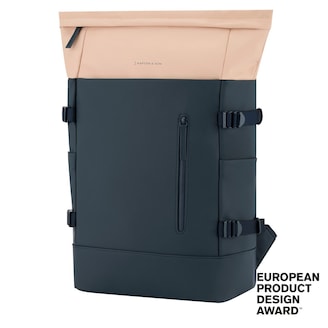
Helsinki Pro Navy Blush
£149.90
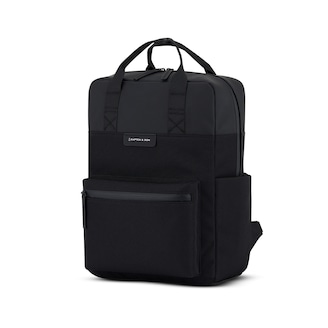
Bergen Pro All Black
£109.90
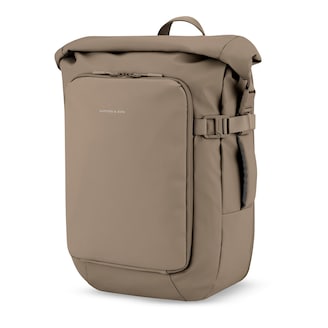
Lisbon Pro Walnut
£169.90
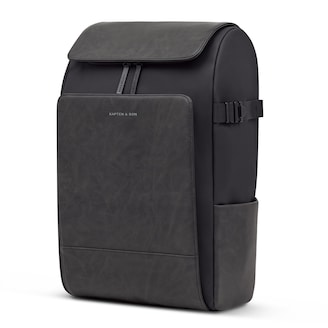
Bali Pro All Black by Mariefeandjakesnow
£159.90
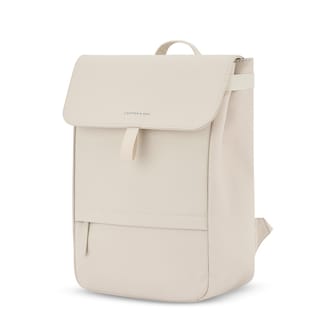
Fyn Sandstone
£99.90
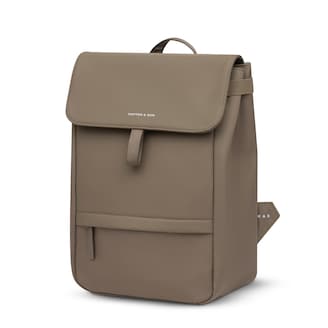
Fyn Walnut
£99.90
:format(webp))
Place your tape measure diagonally across the screen and measure the diagonal. It is important that you really only measure from the top left corner of the screen to the bottom right corner, without including the laptop frame, also known as the bezel. Then convert the measured value.
1 inch equals exactly 2.54 centimetres.
So you need to divide your measurement in centimetres by 2.54. For example, if your screen diagonal measures 36 centimetres, that corresponds to a total of 14 inches. To make things easier, we have summarised the most common inch sizes in the table below.
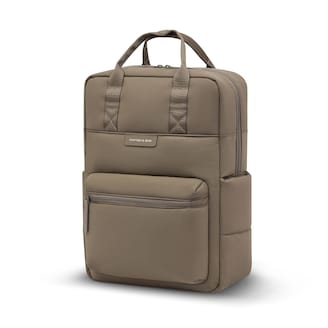
Bergen Cloud Walnut
£99.90
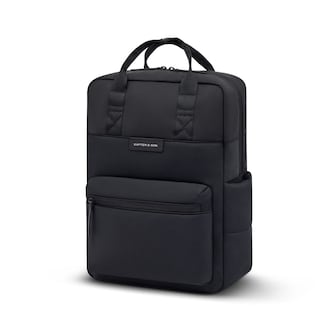
Bergen Cloud All Black
£99.90
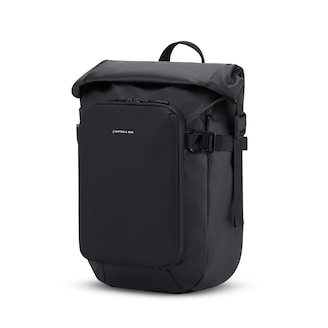
Lisbon Small All Black
£149.90
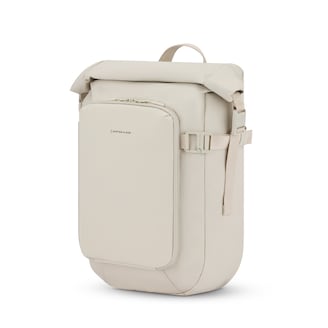
Lisbon Small Sandstone
£149.90
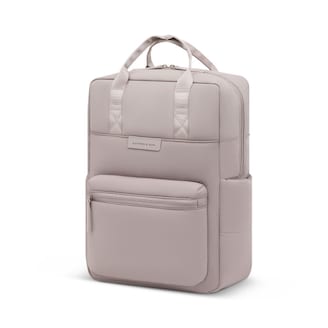
Bergen Cloud Muted Rose
£99.90
If you don’t have a tape measure to hand or you’re unsure whether you measured correctly, there is another way to determine the size of your laptop. Depending on the operating system, there are two different methods:
Windows
Press the [Windows] and [R] keys at the same time.
A small window will appear (Run). Enter “msinfo32” in the empty field to open a new window where you can read the model and serial number of your device.
Enter the device number into the search engine of your choice. On a manufacturer’s or retailer’s website, you will most likely also find the dimensions of your laptop in the product information.
Alternatively, you can find the model number on the back of your laptop.
macOS (MacBook)
Open the Apple menu.
Select the option “About This Mac”. There you will find all the information you need.
If you cannot access your MacBook, you will find the serial number on the back of your device.
Thanks to this guide, you can now find out your screen size without complicated mental arithmetic. Once you have all the measurements to hand, it’s time to look for a new backpack. Do your device a favour and choose a stylish Kapten & Son laptop backpack.